Speed is everything!
I’ve been on a mission to lighten the payload of an ecommerce website I’m developing for a client and so throwing overboard anything unnecessary to the task: fonts, stylesheets and javascript.
Litespeed hosting and cache
I started with a Litespeed hosting package from Squirrelhouse Media
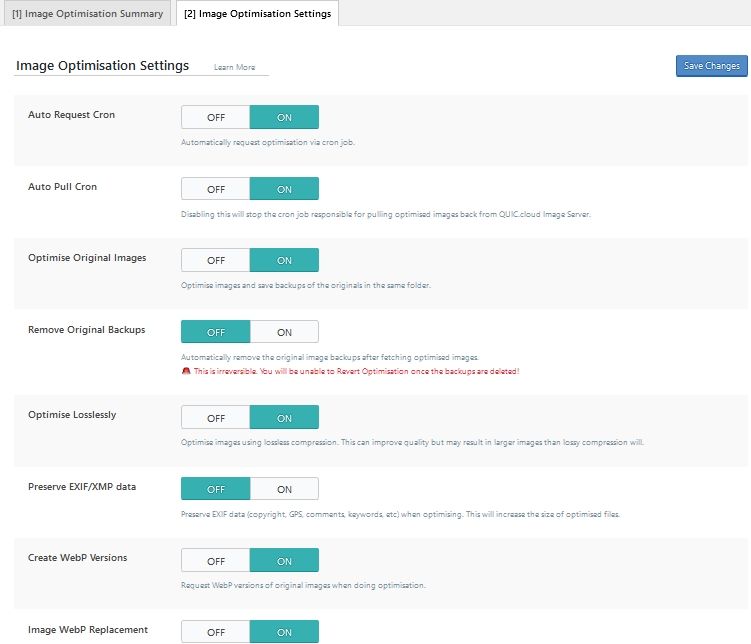
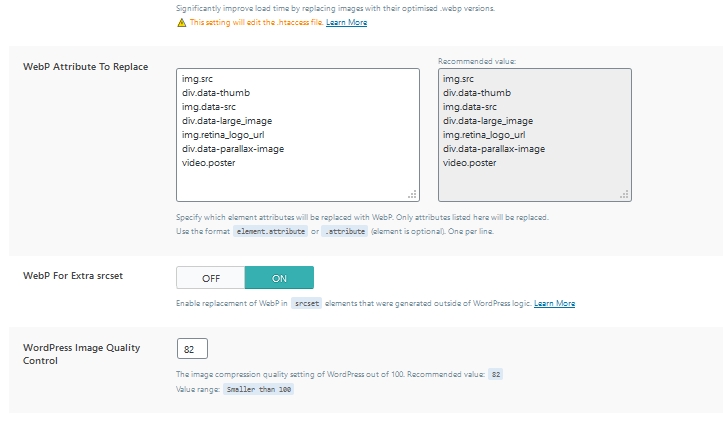
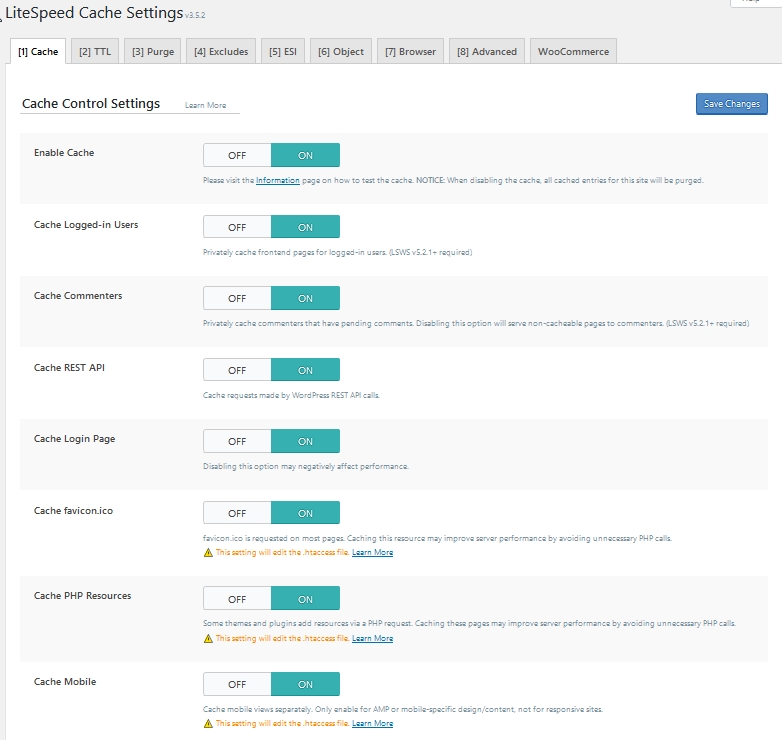
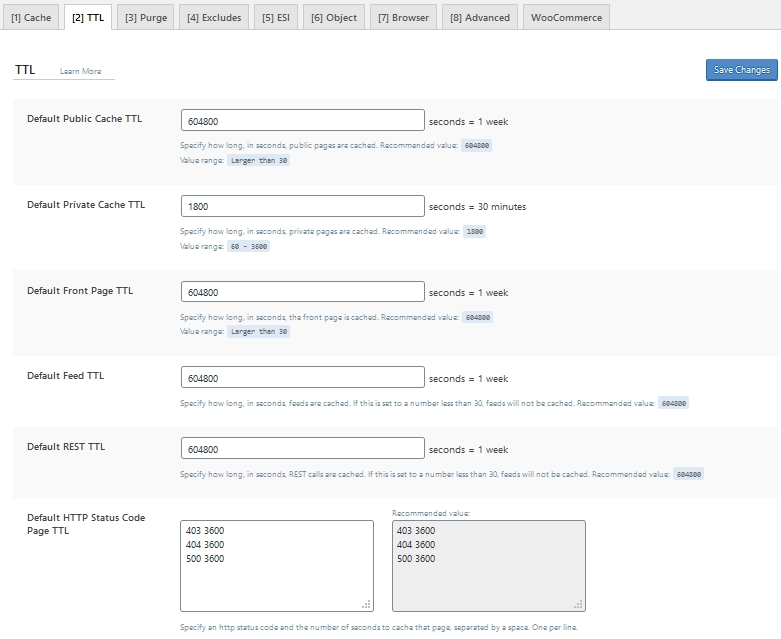
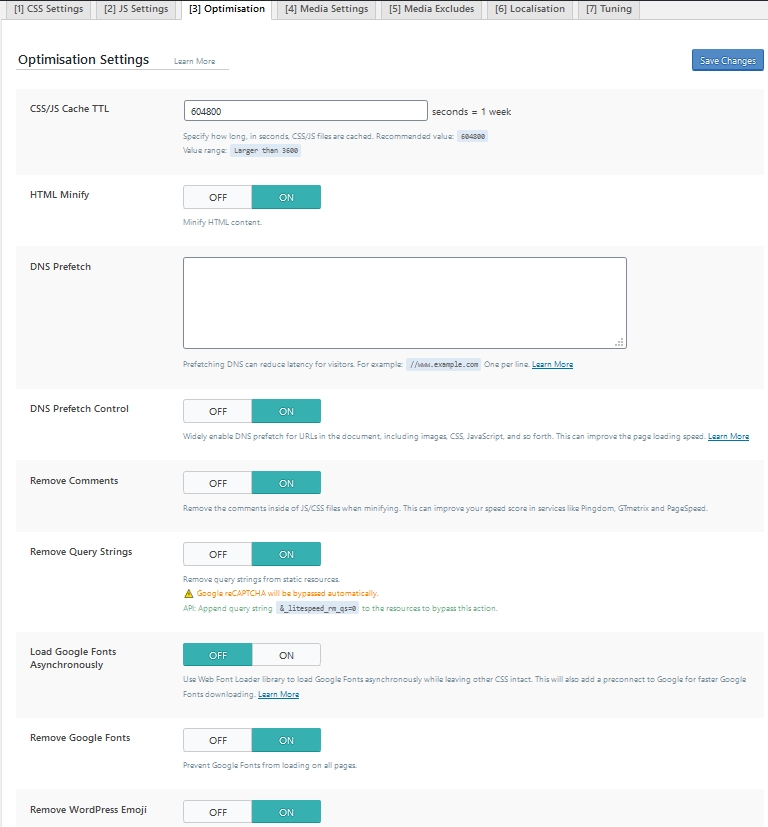
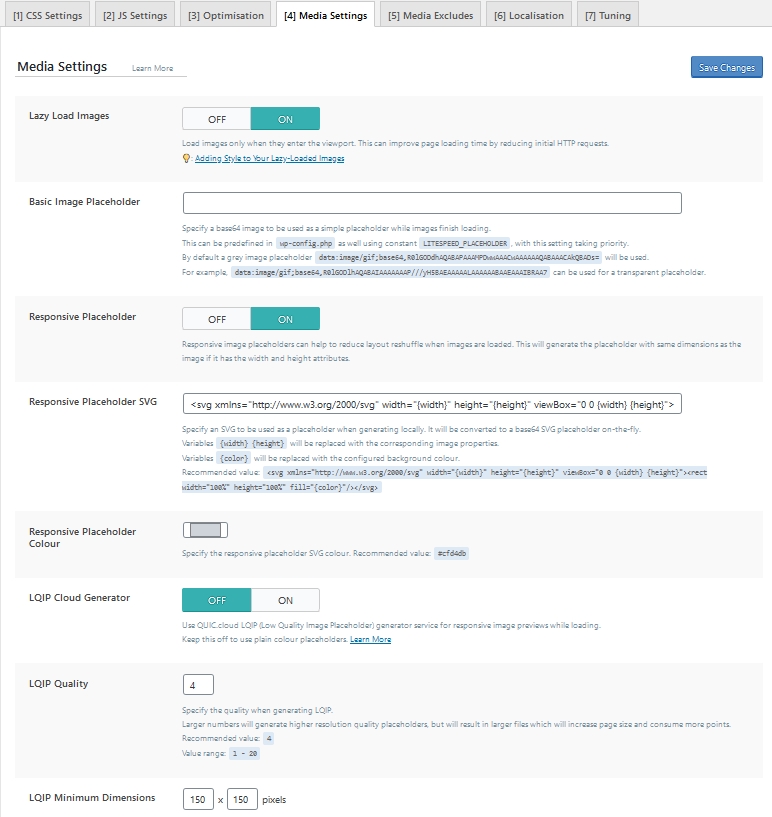
Litespeed servers are essentially Apache with a lot of cache optimisation available. Fast response times need page caching integrated with MySql at the server end to deliver pages in a few tens of milliseconds (not counting the media). Litespeed provide a WordPress plugin which makes customising easier however there are many many settings; I have provided screenshots below to show my settings.
Lightweight theme with the ability to switch functionality on/off
After a great deal of research I settled on GeneratePress and went ‘Premium’. The theme is very lightweight and their Premium plugin provides a switchboard to switch functionality on/off depending upon your needs.
They also provide Elements which is a Swiss Army Knife of customisable building blocks. Settings are pretty much within the WordPress Customizer.
The website uses WordPress, Woocommerce, Contact Form 7 and a slider-without-jquery that I have engineered to be fast.
Font preloading
I settled on using Roboto font which I downloaded from Google, converted to woff2, stored in subfolders within my theme and preloaded in my theme’s header.php
<link rel="preload" href="<?php echo get_template_directory_uri(); ?>/assets/fonts/roboto.woff2" as="font" type="font/woff2" crossorigin="anonymous">

<style>
    @font-face { font-family: 'Roboto'; font-weight: 400; font-style: normal; font-display: swap; unicode-range: U+000-5FF; src: local('Roboto'),
    url('<?php echo get_template_directory_uri(); ?>/assets/fonts/roboto.woff2') format('woff2');}
</style>
Functions.php
This is a great place to throw unnecessary code over board.
Contact Form 7 is only required on the contact page so don’t load it everywhere!
/* Only load Contact 7 on contact page */
add_filter( 'wpcf7_load_js', '__return_false' );
add_filter( 'wpcf7_load_css', '__return_false' );
add_action('wp_enqueue_scripts', 'load_wpcf7_scripts');
function load_wpcf7_scripts() {
  if ( is_page('contact') ) {
    if ( function_exists( 'wpcf7_enqueue_scripts' ) ) {
      wpcf7_enqueue_scripts();
    }
    if ( function_exists( 'wpcf7_enqueue_styles' ) ) {
      wpcf7_enqueue_styles();
    }
  }
}
Lots of styles and scripts are loaded by default which aren’t necessary to my needs (they might be to yours of course so pick and choose). In this case Woocommerce is loading a lot of stuff I don’t need and reloading stuff I already have.
/* Dequeue scripts and styles */
function my_dequeue_scripts() {
	wp_dequeue_script( 'comment-reply' );
	wp_dequeue_script( 'jquery_ui' );
    wp_dequeue_script( 'jquery-blockui' );
        wp_dequeue_script( 'jquery' );
}
add_action( 'wp_print_scripts', 'my_dequeue_scripts', 100 );

function my_dequeue_styles() {
    wp_dequeue_style('wp-block-library');
    wp_deregister_style('wp-block-library');
    wp_dequeue_style('wc-block-style');
    wp_deregister_style('wc-block-style');
    wp_dequeue_style('slider-woff');
    wp_deregister_style('slider-woff');
    wp_dequeue_style('rating-stars');
    wp_deregister_style('rating-stars');
}
add_action('wp_enqueue_scripts','my_dequeue_styles', 100);
Litespeed Caching (LSCache)
LiteSpeed Cache is an all-in-one cache plugin for WordPress supporting multi-site installations and compatible with most popular plugins, including WooCommerce.
Main features are below but all can be switched on/off and there are lots of settings to deal with exceptions:
- Minifying CSS, JavaScript, and HTML
- Automatically generating critical CSS (above the fold)
- Minifying inline CSS and JavaScript
- Image optimization (lossless/lossy)
- Webp support
- Lazyloading images and iframes
There are lots of switches but you can run with only the big switches flicked on and see benefits straight-away.
These are my settings:
First get your domain key registered

Turn on caching
Default TTLs are fine
Default purge settings are fine

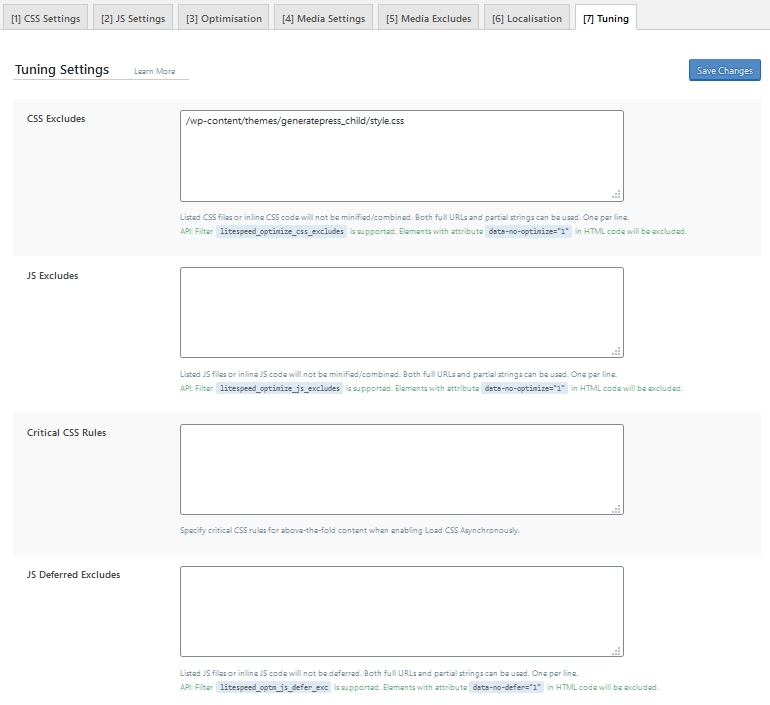
I exclude my child theme stylesheet
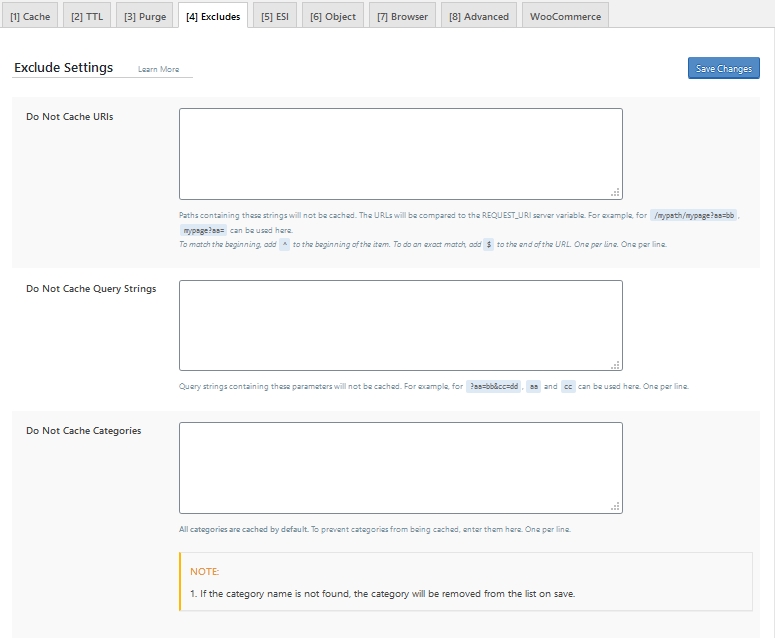
I didn’t need ESI and Object settings
Browser caching is on (although you might want to turn it off during development)
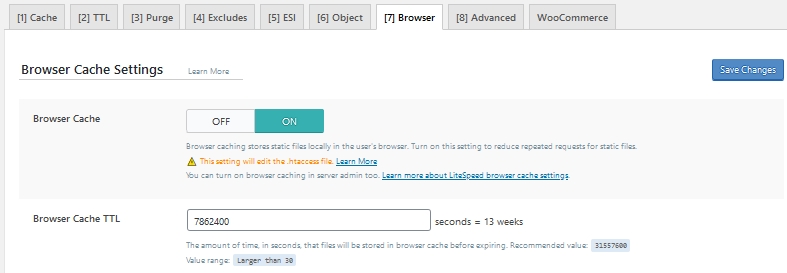
I didn’t need Advanced caching
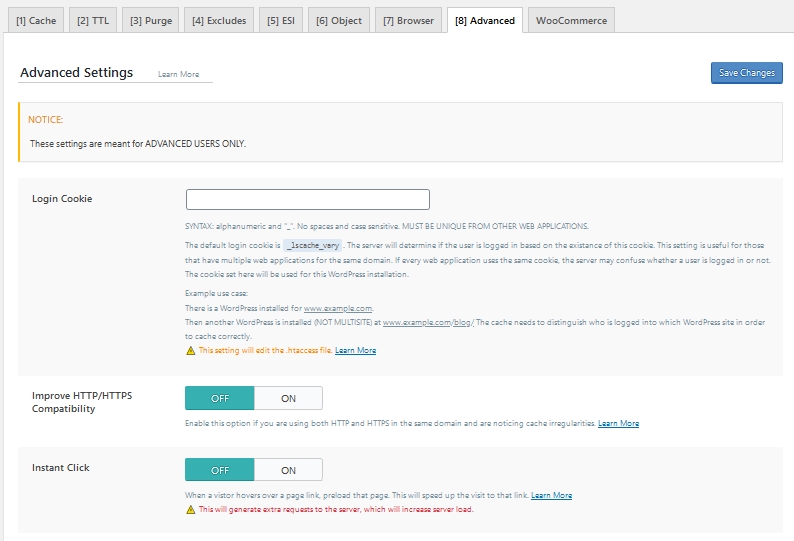
Woocommerce
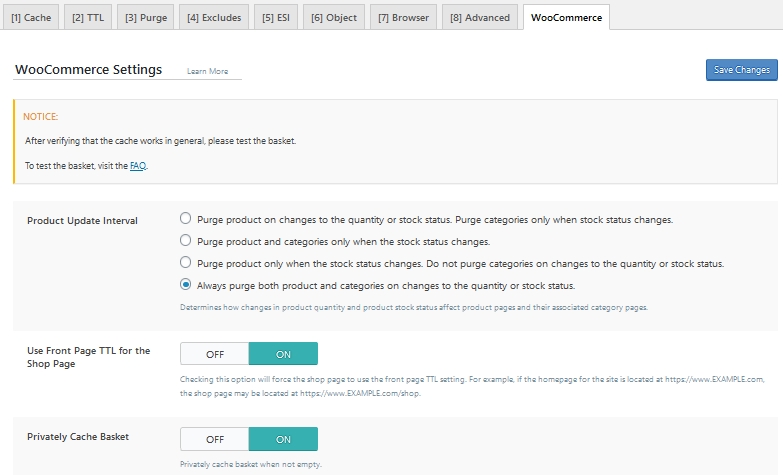
Page Optimisation is where experimentation is needed.
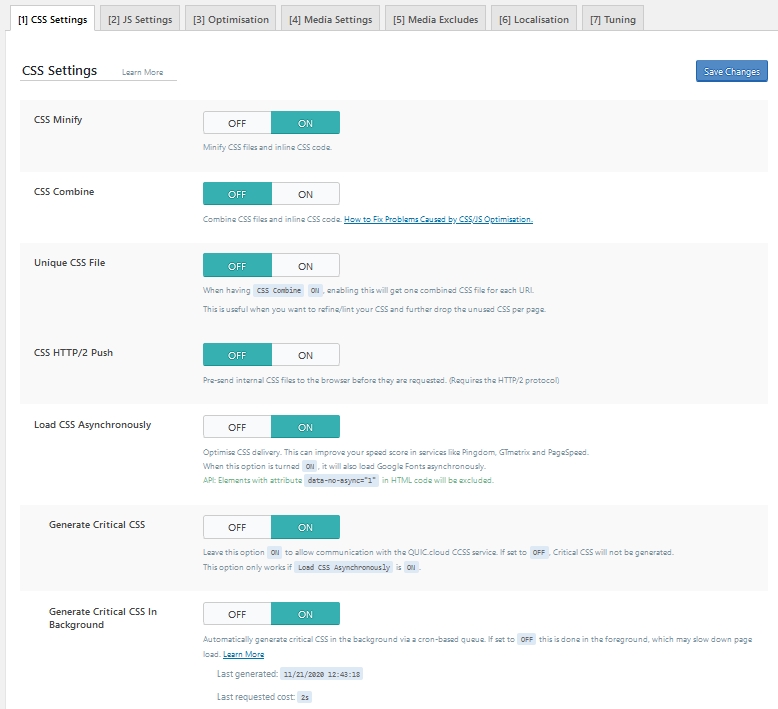
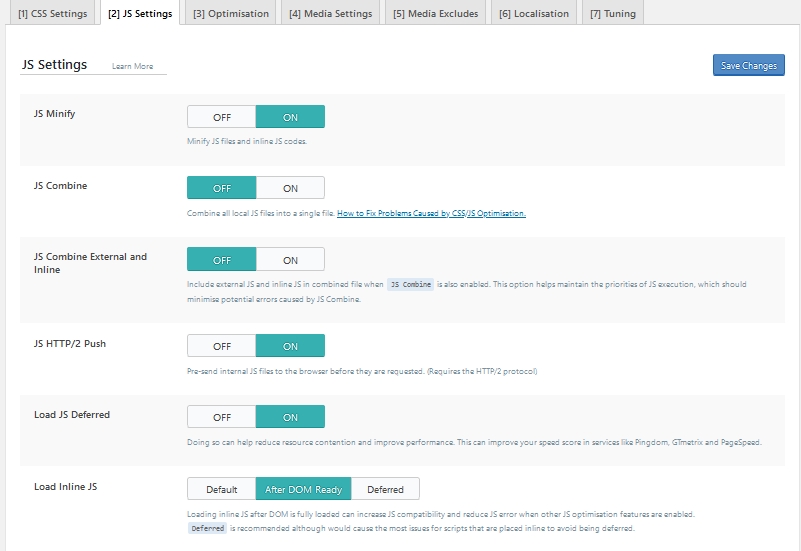
The Optimisation tab controls what to do with Google fonts. I decided to remove them and load what I needed myself.
Other than switching on Lazy Load and Responsive Placeholder (which helps reduce layout shift) I didn’t touch the other settings below
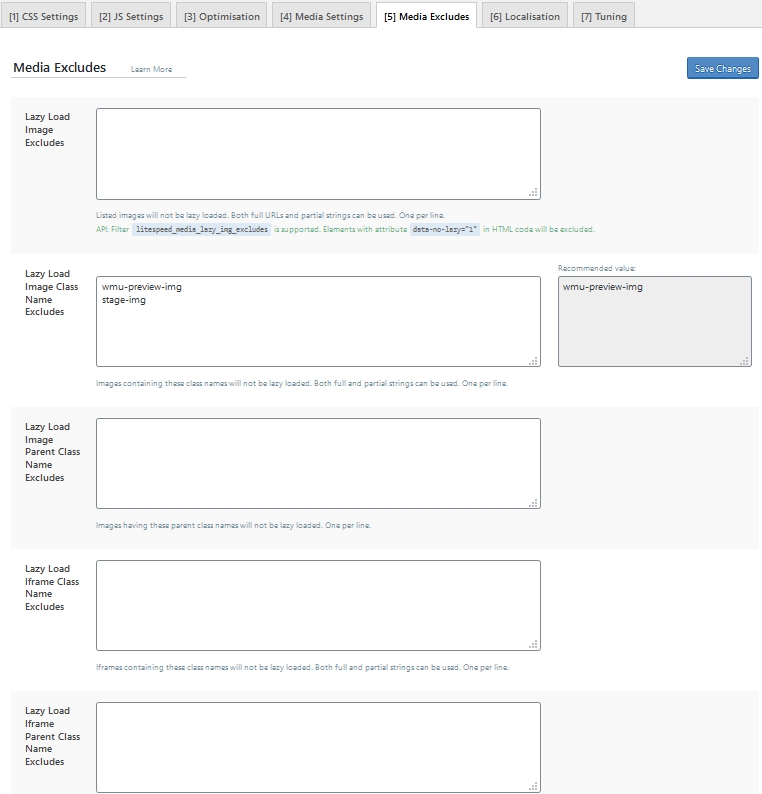
The media exclude page might need no changes but my djbslider needs the images class removing from lazyload
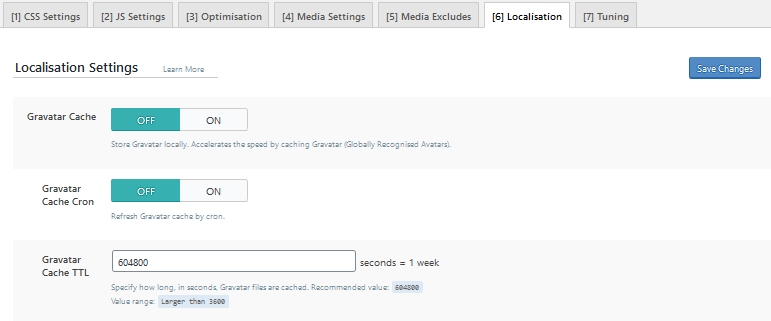
I didn’t need to change anything on the Localisation tab
I excluded the child theme stylesheet
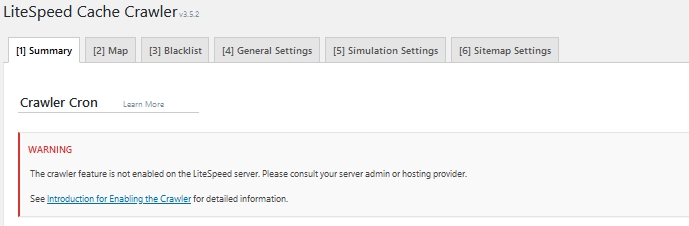
Litespeed Crawler needs switching on to deal with the CSS optimisation and Webp image creation
Refresh the crawler map (this isn’t the same as your sitemap, it is purely for LS Caching)
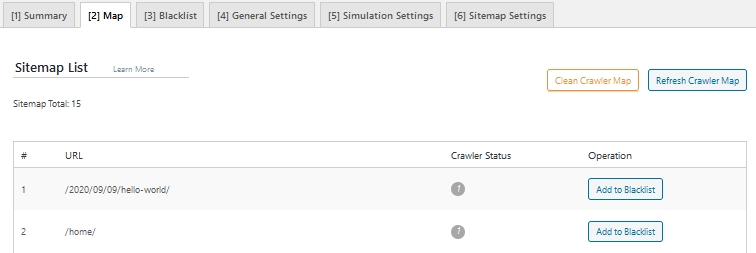
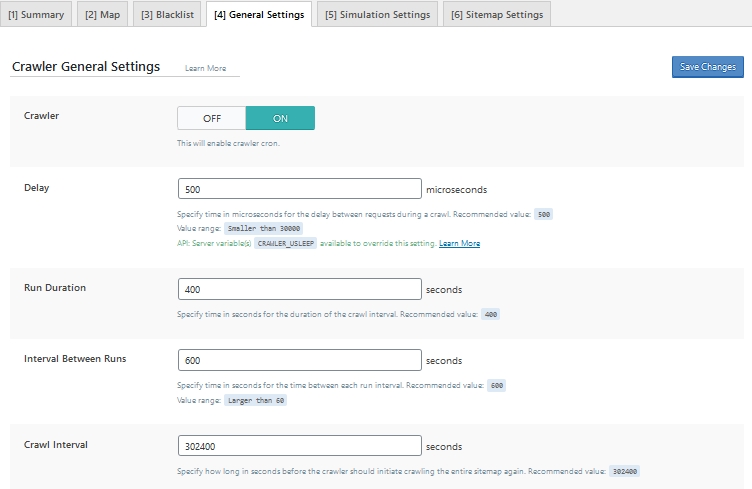
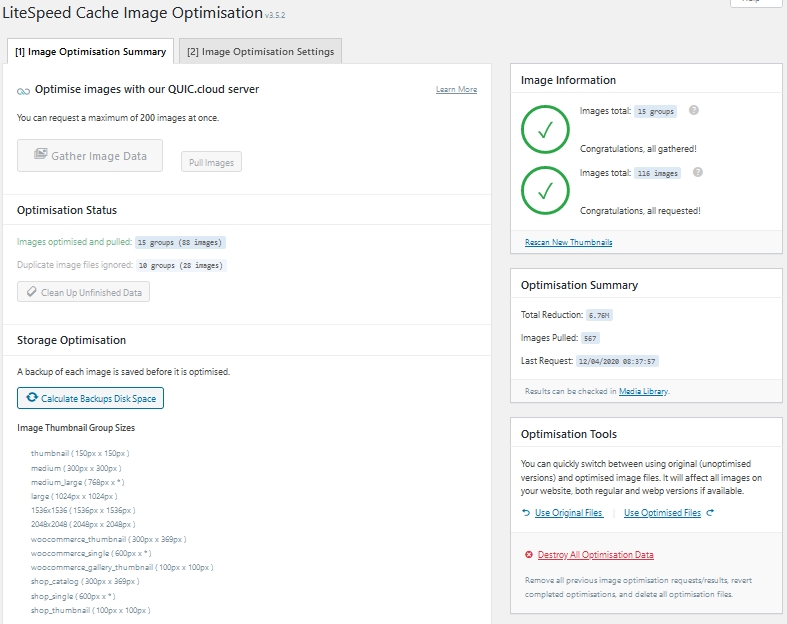
Image optimisation needs to be after you have registered the domain and switched on the crawler. Click on Rescan link and/or the Gather Image Data button if you need to start the process off. You can see optimised images in the WP Media Library; if you want to use the original rather than the optimised version you can do it there.
The settings below affect how images are shown